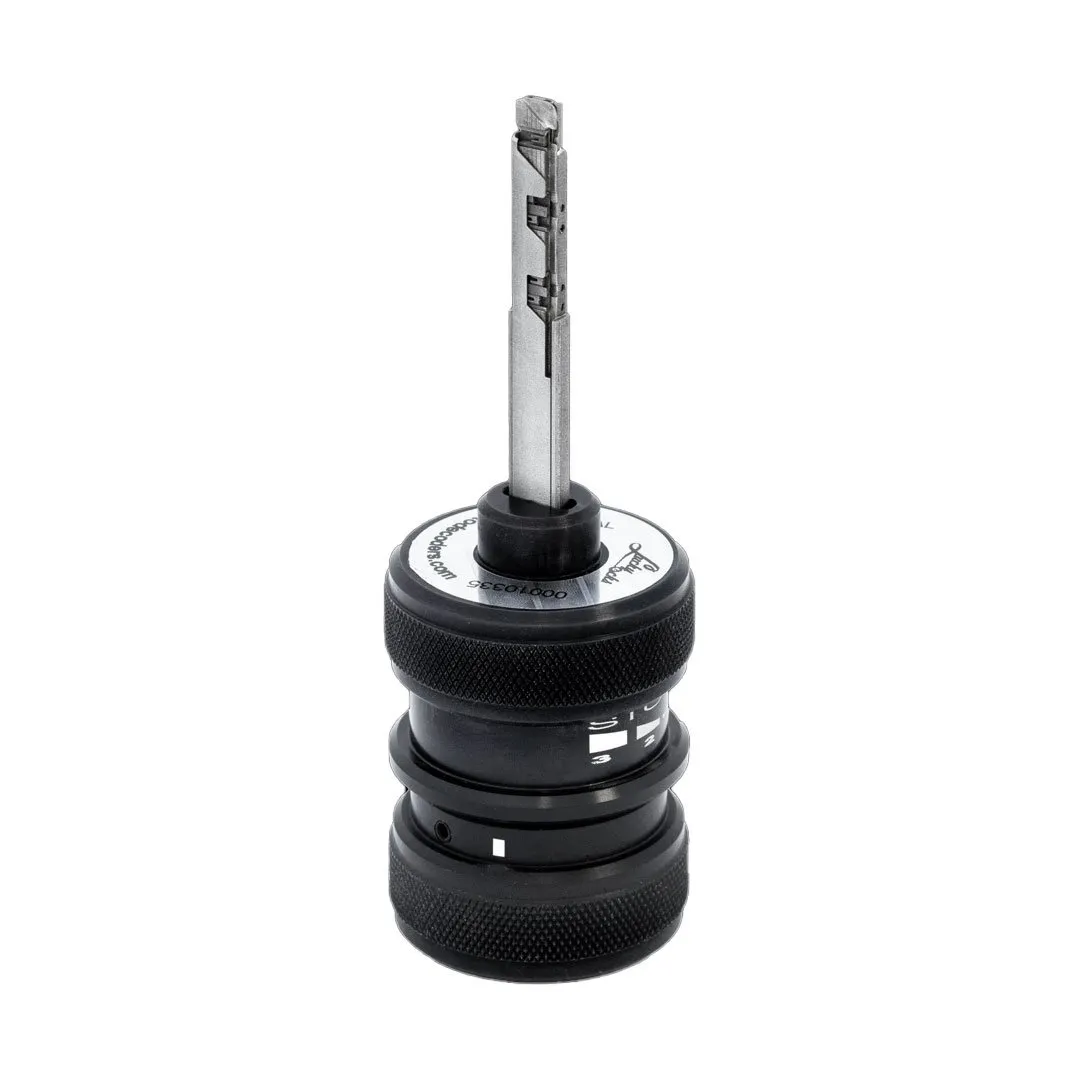
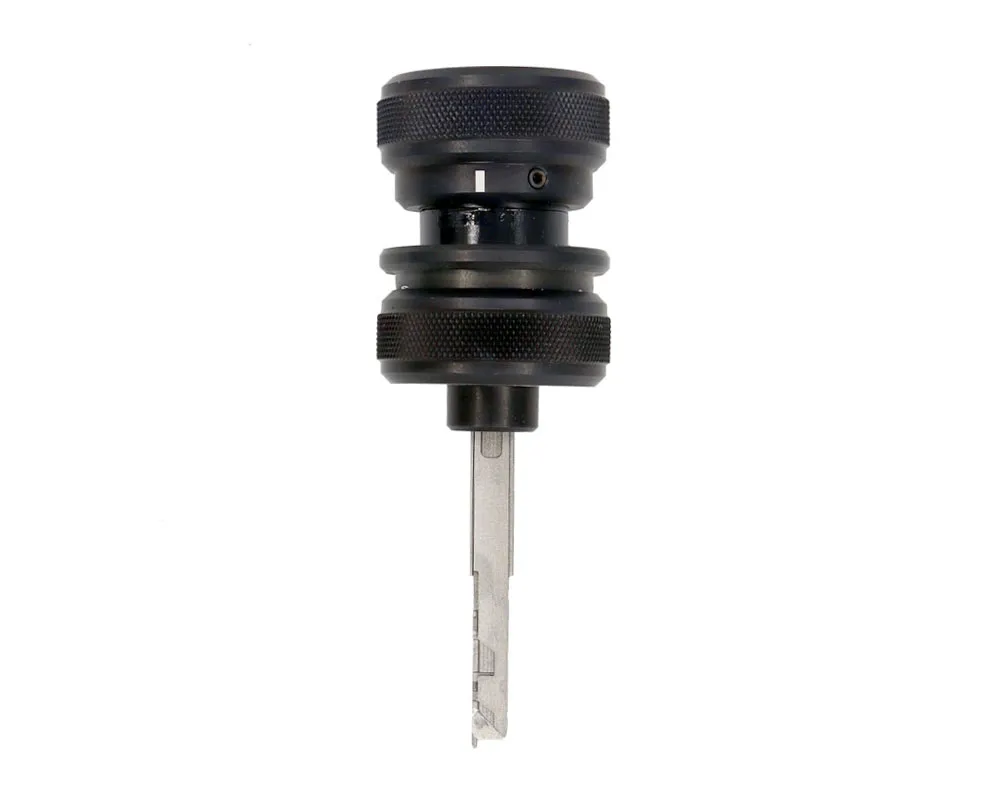
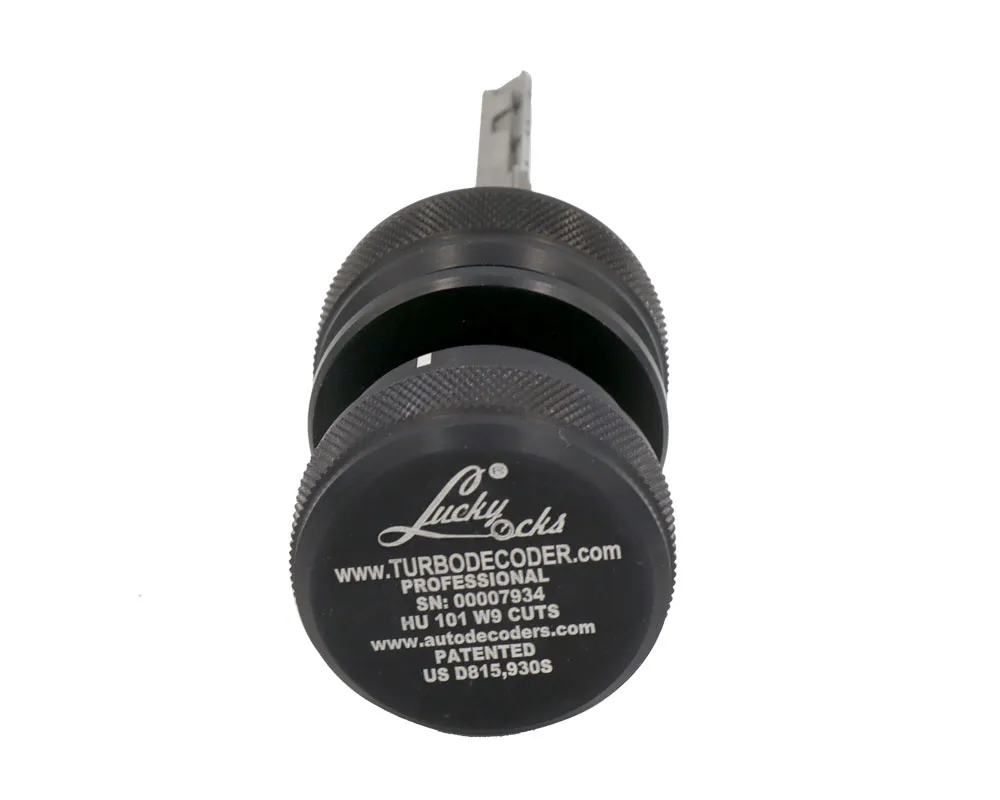
NEW Turbo Decoder original Turbo decoder HU101 W9 tool is designed specifically to open and decode door locks for Ford.
Opening Tools From Turbo Decoder with Product Number: MK16598 This Weight Product: 300g
Specs:
Manufacturer: Turbo Decoder Condition: New Color: Black
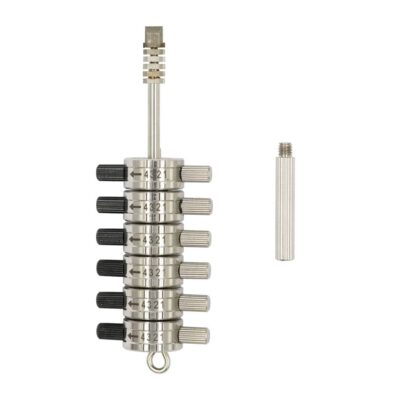
This is the original Turbo decoder HU101 W9 patented tool invented and produced by Luckylocks AD in Bulgaria! The automatic self-impressioning decoder TurboDecoder HU101 9 pin is designed specifically to open and decode door locks for Ford. These locks have a HU101 key profile / SILCA /and contain 9 code wafers / disks. With our instrument, the unlocking itself becomes easy and fast. Because of the decoding option , the operator is able to create /cut / duplicate key without having to disassemble the lock. Turbo Decoder HU101 W9 is suitable for unlocking both the door and the steering lock. This allows efficient and non-destructive entry.
COMPATIBILITY NOTICE
*The list of the tools is incomplete
Here is the incomplete list of the models the tool opens:
Ford /MONDEO/
The kit includes
Turbodecoder HU101 9 pins model
2 Reset tools
Code reading card
Plastic Transportation Box
Precision Design and Features
The TurboDecoder HU101 9 pins is meticulously crafted to match the HU101 lock profile. It includes a decoding blade with 9 pins—five on one side and four on the other. Additionally, it incorporates three essential wheels:
Tension Wheel – Ensures controlled movement.
Gate Wheel – Supports the decoding mechanism.
Turbo Wheel – Enhances speed and accuracy.
These components work together to provide precise and dependable lock decoding.
Important Usage Note
Always check the vehicle’s lock model and generation before selecting a tool. Using the correct decoder ensures optimal performance and prevents errors.
How does it work?
To use the Turbo Decoder HU101, insert the tool into the HU101 lock, ensure yourself about proper alignment with the lock cylinder. The tool is designed to engage with the lock pins, allowing you to decode the lock without causing damage. Once inserted, apply consistent tension using the Tension Wheel to maintain a smooth operation. This will help keep the lock mechanism in place while the tool works to decode the pins.
components
Tension wheel – with this wheel you apply tension on the tool during the opening procedure. The Tension wheel must be in constant tension while you operate with the Turbo wheel (read below)
The Gate Wheel plays a crucial role in aligning and decoding the lock’s pin configuration. Slide back the wheel to allow full engagement of the tools’ pins with the wafers of the HU101 lock. If the Gate is not fully opened (pushed back) the pins of the tool cannot engage with the locks’ wafers.
The Turbo Wheel assists in the self-impressioning process, completing the decoding once the pins are aligned by the Gate Wheel. Turn the Turbo Wheel in small increments to fully engage the lock’s mechanism and ensure precise results.
Proper lubrication of the lock mechanism improves the Turbo Decoder HU101’s efficiency. Use a small amount of WD40 or any other lock lubricant or graphite powder to prevent the pins from sticking or jamming during the decoding process.
It’s important to avoid excessive use of the TurboDecoder HU101 on the same lock without checking the lock for wear. By following these steps, you’ll achieve accurate and reliable decoding, ensuring the TurboDecoder HU101 works effectively to unlock Ford vehicles quickly and without damage.
NB! You can check the car models that Turbo decoder HU101 is able to open by downloading the SILCA automotive key catalog or visit their website. Scroll down to the car you are interested in and check if it uses profile HU101. If so – you are ready to unlock it.
How to DETERMINE the CORRECT lock orientation?
First we recommend you to clean the lock with some light oil spray such as WD40 to ensure free lock wafers movements.
To determine the lock orientation you need to use your Turbo Decoder tool. First, rotate the Turbo Wheel to the right, then push the Gate Wheel all to the front. Now you can insert the decoder into the lock.
Hold it by the Gate wheel and insert it carefully into the lock. It is not necessary to force the tool, it will enter if the lock is in good mechanical condition.
Now slide back the Gate wheel only and apply rotational force on the Tension wheel to the left. In this moment, start to rotate the Turbo wheel to the left too.You should feel the rotation. It will be easy with no resistance and in some point you will feel a resistance on it. If there is resistance when the indicator reaches the 1 stop point, this means you are on the correct side of the lock.
In case the indicator is beyond the 1 stop point, this means you are on the wrong side of the lock. Please turn the Turbo wheel all to the right , push the Gate wheel to the front and extract the decoder from the lock. After that , reverse it and it insert again. Now your tool is on the correct orientation.
Opening procedure
Here are some steps for the opening procedure:
First , to insert the tool, please hold it by the Gate wheel. Your Turbo wheel must be rotated to the right.
Fit the decoder all the way into the lock. Then pull back only the Gate wheel. When this is done you will see stop points 1 , 2 and 3.
Then apply LEFT tension on the Tension wheel and hold it. Rotate the Turbo wheel to the left untill its line comes to the first(1) stop sector. Stop your rotation and turn the Turbo wheel to the starting position (all the way to the right). Release the rotation tension. Rotate the Tension wheel to the RIGHT and then rotate the Turbo wheel again to stop point 1. Turn it back and release the tension. Repeat this 20 times with left and right tension direction . And keep stopping at the first (1) sector.
On condition that after your 20 pumps the lock is not opened yet, increase the Turbo wheel rotation untill its line points to stop point 2. After that repeat – left tension, rotate the Turbo wheel to stop point 2, go back to the right then release the tension. And then apply right tension and stop at sector 2. Repeat 20 more times.
On condition that you do this 20 times and the lock is still locked, go to stop point 3 for 10 more pumps and then the lock should be opened!
Decoding steps
If you need to decode the lock you just opened with your HU101 10 pin tool, please read the following instructions:
Once your tool has turned the lock and it can be opened please do not remove the tool. Keep the lock turned left or right /but NOT in neutral position/.
When you are in this position, please rotate the Turbo wheel all to the left /its line will point stop point 3 /.
Leave it there and jiggle the tool by following the plane of the key profile.
Turn the Turbo wheel all to the right, rotate the tool in the neutral lock position, push forward the Gate wheel and extract the tool from the lock.
With the Turbo decoder out of the lock, please pull back the Gate wheel / so the pins become visible / and afterwards rotate the Turbo wheel up to sector 3.
After after completing the 5 steps, look at the pins, calculate the pin depths and by following side A and side B order write down the code. This is the mechanical code you need to cut a working mechanical key by inserting it in CNC locksmith machine.
EXTRACTING THE TOOL AFTER OPENING
Here are some steps to follow for proper tool extraction:
Turn Right Completely the Turbo wheel: Ensure that the Turbo wheel of the tool is fully turned to the right.
Neutral Position: Keep the tool in a neutral position inside the lock
Push the Gate wheel (middle ring) forward: This might require some force, using either two or four fingers.
Extract: Once the ring is pushed forward, you can extract the tool from the lock.
READING THE CODE
After completing the 5 steps, look at the pins, calculate the pin depths and by following side A and side B order write down the code. This is the mechanical code you need to cut a working mechanical key by inserting it in CNC locksmith machine.
EXAMPLE OF CODE READING:
SIDE A READING CODE – 12341
SIDE B READING CODE – 2143
THE LOCK CODE IS: 122134431
Using ignitions
First insert the tool into the ignition with the six holes pointed to zero. Then rotate the tension wheel only to the right, repeating 15-20 times with release between.
The last step is reading the code.If you want to read the code, go to position three, juggle, and extract as described before.
important remainders
Always turn the handle to the right and push it to the front when extracting or resetting the tool.
Also for reading the code, remember the handle position (maximum left at 3).