SKU: MK28462
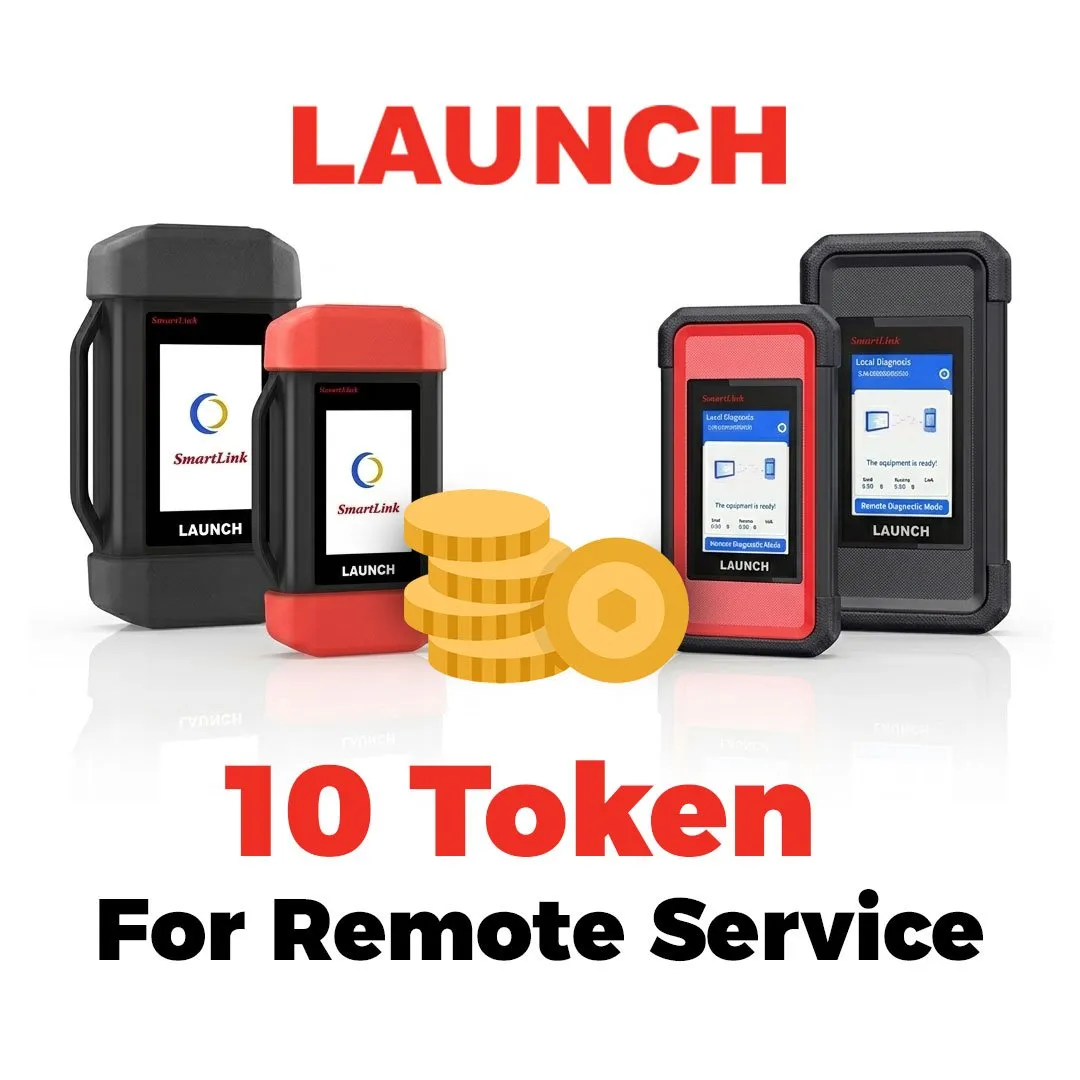
Launch – 10 Tokens For Remote Service
$20.00
Full Description:
Launch - 10 Tokens For Remote Service
Launch - 10 Tokens For Remote Service Product Description:
Launch - 10 Tokens For Remote Service - Activation is possible for any Launch device, provided it is connected to Smartlink
Software Activation From Launch
Product Number: MK28462
How to Use SmartLink Token on Launch Smart Service Platform
The SmartLink Token powers seamless access and transactions within the Launch Smart Service Platform. Follow this simple guide to get started:
1. Create or Log In to Your Account
-
Visit the Launch Smart website and sign up for a new account, or log in to your existing one.
2. Navigate to the Token Wallet
-
From your dashboard, go to the Wallet or Assets section.
-
Here you’ll see your SmartLink Token balance (if you’ve already purchased or received tokens).
3. Purchase or Deposit SmartLink Tokens (if needed)
-
Click “Buy Tokens” or “Deposit”.
-
You can purchase SmartLink tokens using supported cryptocurrencies or fiat payment methods.
-
Alternatively, transfer tokens from an external wallet using the provided deposit address.
4. Use Tokens for Platform Services
-
Pay for services: When booking a service (e.g., project launch, marketing, analytics), select SmartLink Token as your payment method at checkout.
-
Unlock premium features: Certain tools or dashboards require token payment – simply click “Unlock” and confirm the token amount.
-
Stake for benefits: Lock your tokens in the staking pool to earn rewards, lower fees, or get early access to new features.
5. Track Transactions
-
All token movements are recorded in your transaction history. You can view details like amount, date, and status under “Token Logs”.
6. Withdraw or Exchange Tokens (optional)
-
If you wish to cash out or convert tokens, go to “Withdraw” and send them to an external wallet or exchange that supports SmartLink.