Products Specifications
| Condition | New |
|---|
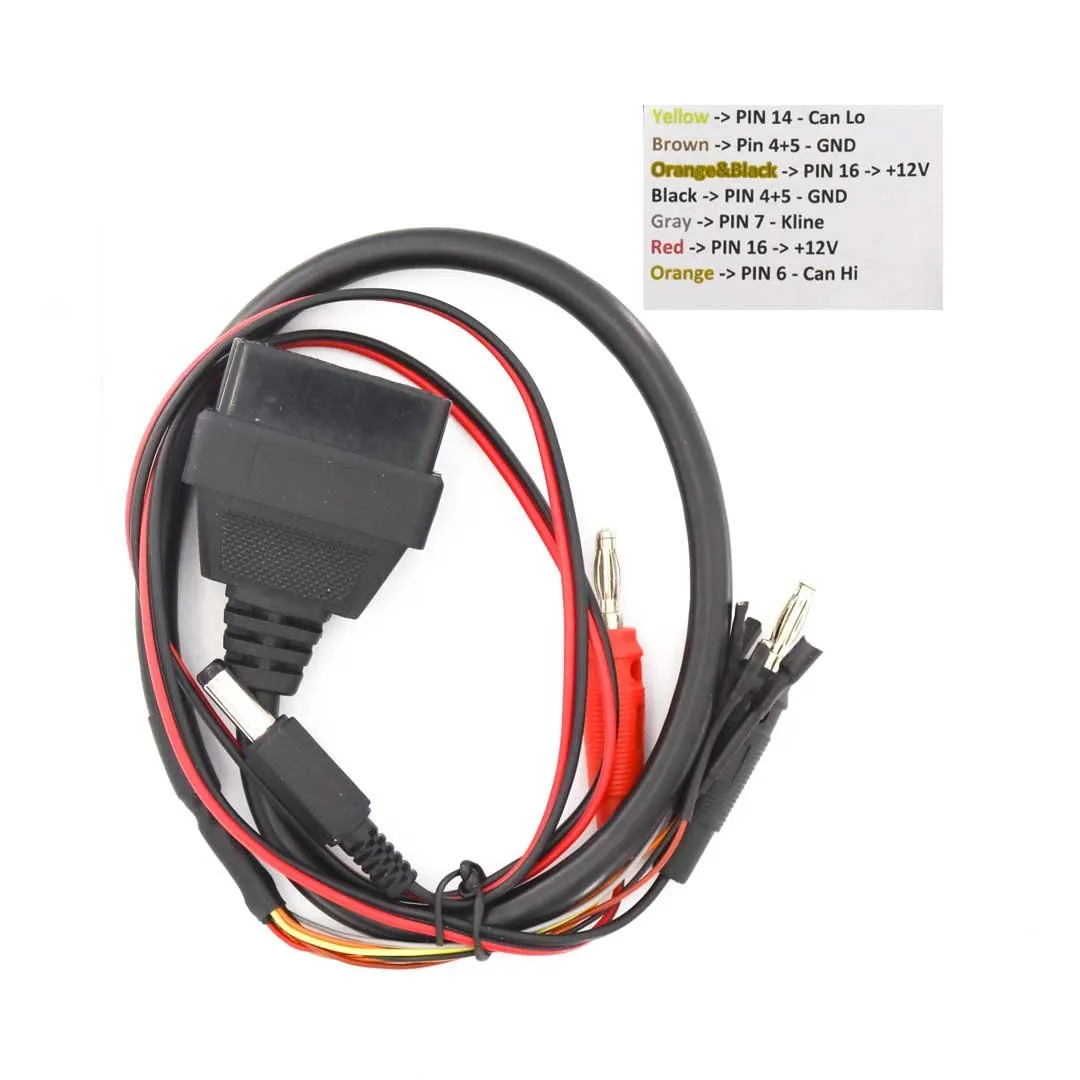
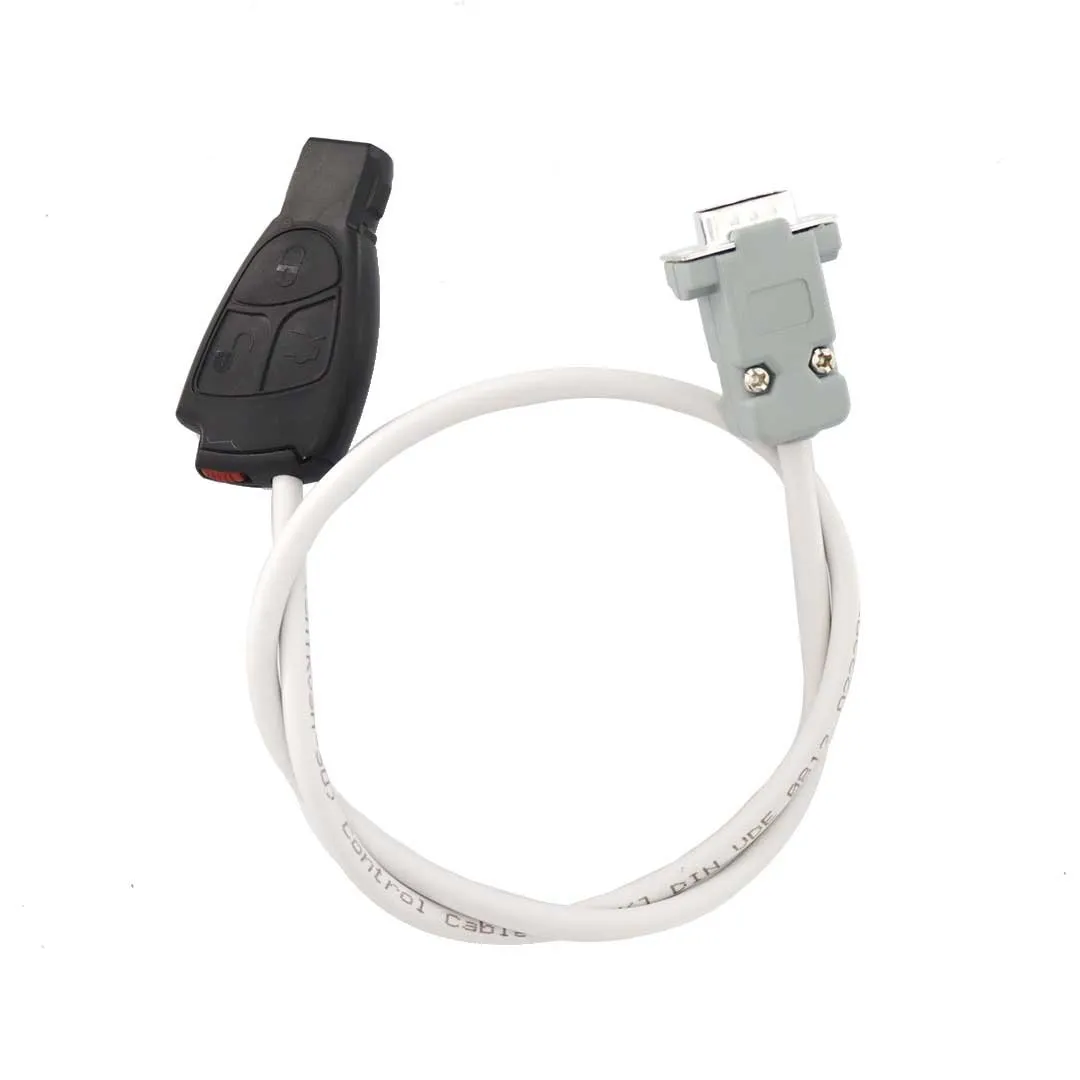
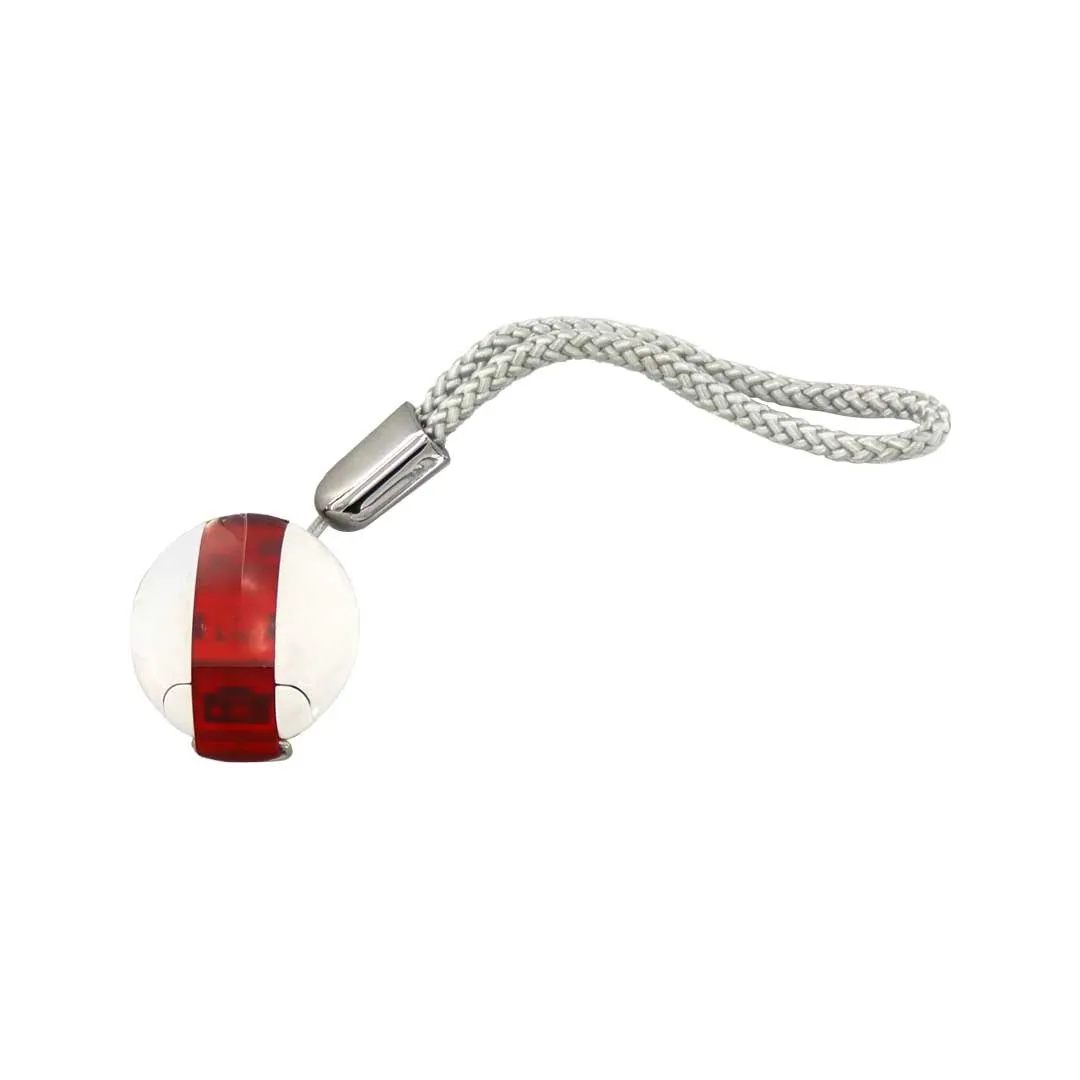
$1,200.00
| Condition | New |
|---|
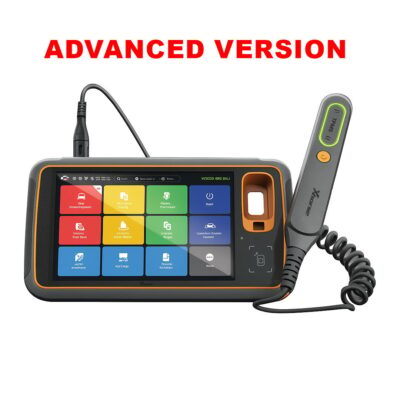
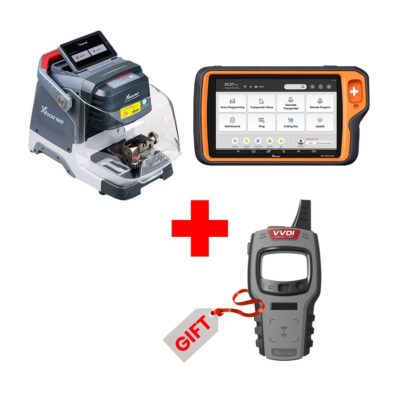
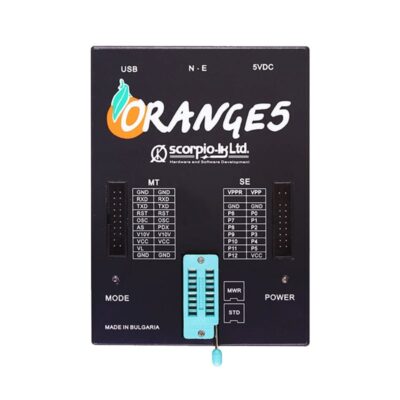
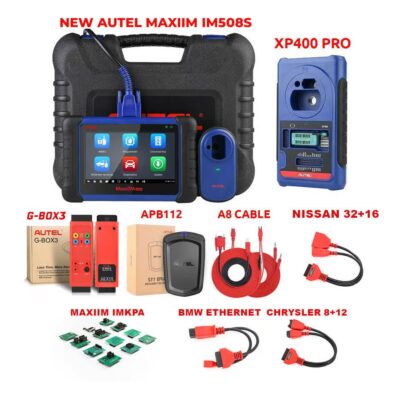
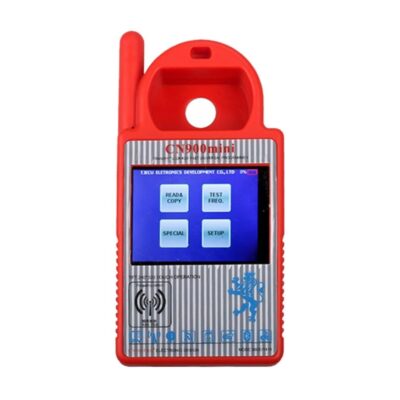
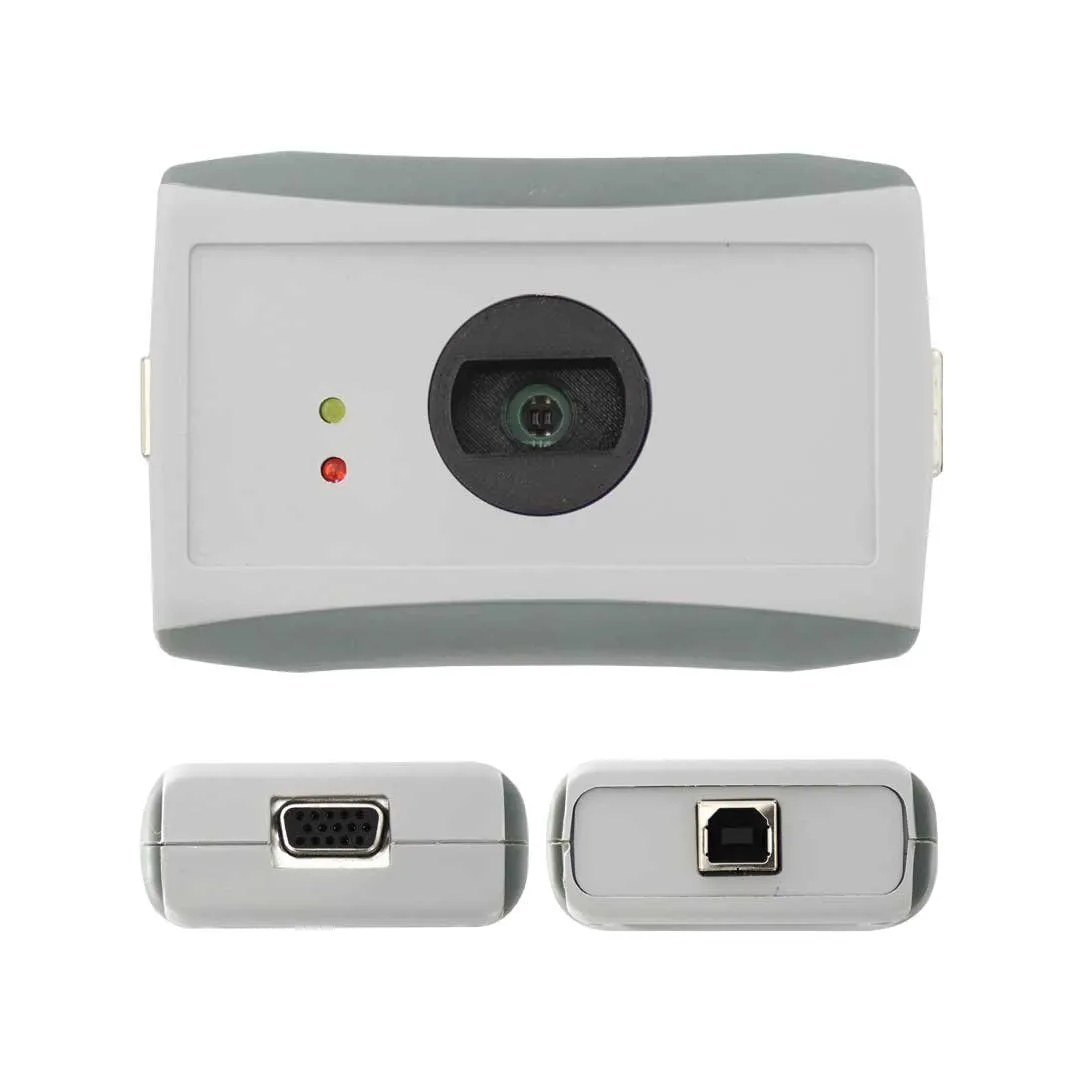
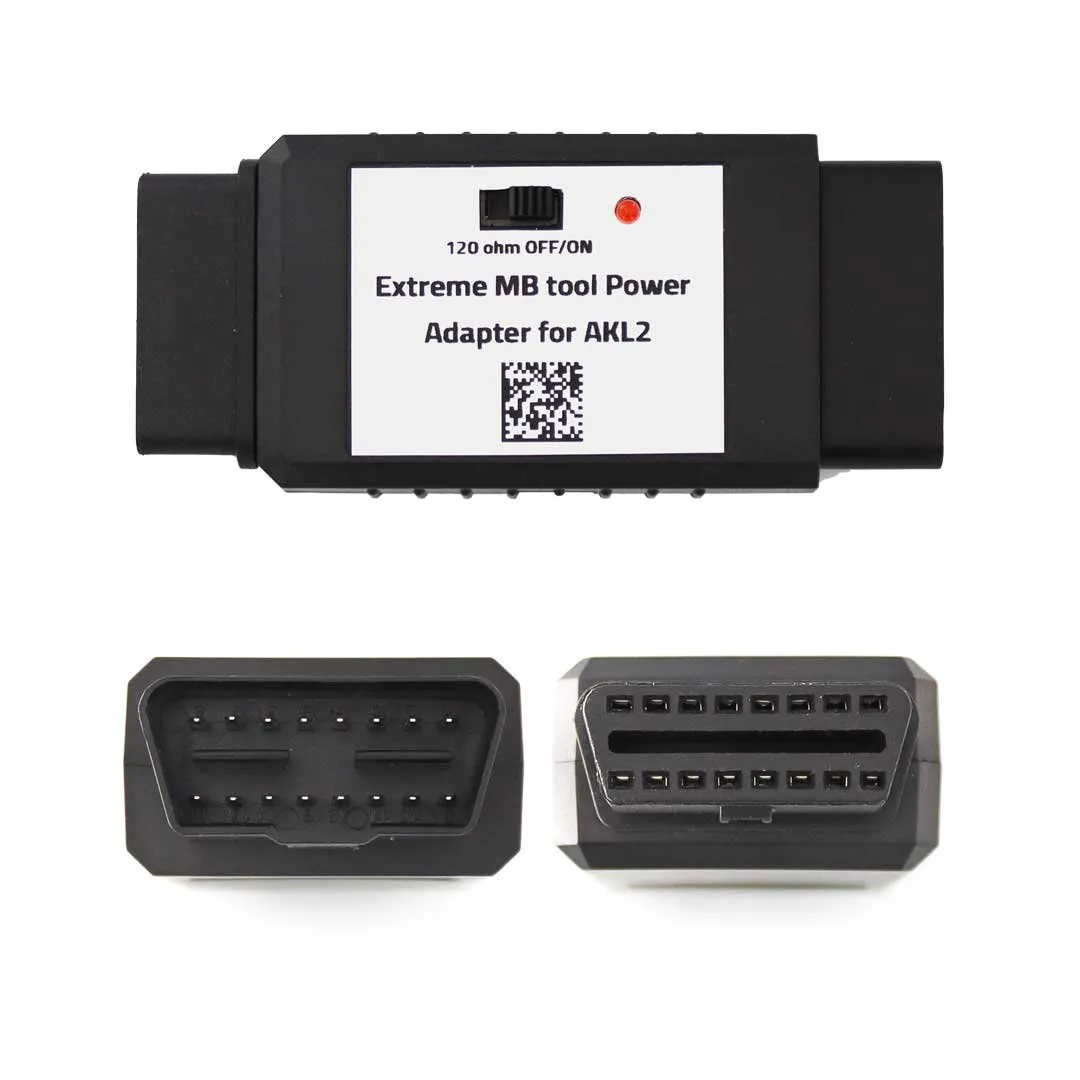
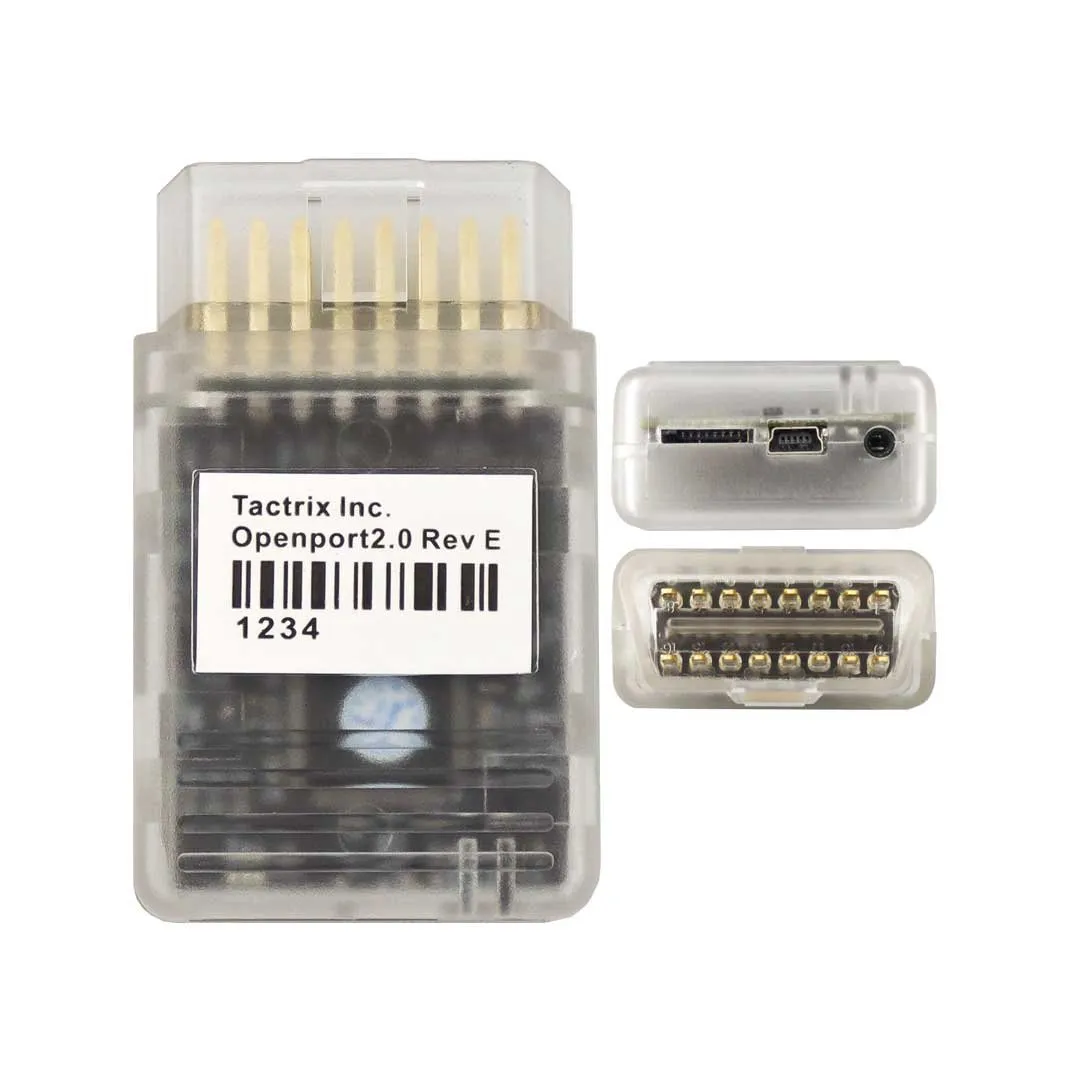
Key Programming / ECU Diagnostics Tools From Diagcode with Product Number: MK7807
This Weight Product: 445g
Manufacturer: Diagcode
Condition: New
Note: with 1 year free update & 3 free calculations a day
We would like to present you our new and convenient product for all current and future customers. We have done this for all of you to make it easier and more convenient for you. We also added a lot of new things. All this is absolutely free for current customers who already have our product.
We release new updates very often and all our software have automatic updates. Thus you can be sure you are always using the latest version of the app.
From this link you can download the software : Extreme MBTool IR reader setup


With this option the User can Read the Data from the EZS via the IR Portal, the user can also Edit the EZS Data and Save to file or they can use the Data to Personalize another EZS. We also have functionality to Lock and Unlock Key Tracks, Renew the EZS, Activate the EZS and Verify the EZS Password. There are also options here to work with the ESL and ESL Emulators that are common on the W204/212/176 Cars ...
To use the OBD option the user must first install the drivers for their J2534 device. Next they must click the " Settings " option located on the top banner of the program and select their device from the list of installed J2534 devices. Finally, click " SAVE "
 |
 |
 |
 |
|
 |
 |
 |


With this option the User can Read Password direct from EZS via IR. This is an offline process and requires approximately 50 seconds to obtain the Password from HC12 types and up to 3 minutes to obtain the Password from the HC908 types. The Function supports Old Motorola EZS with MCU's HC908 and HC12 inside EG: Some W203, W463, W209, W211, W215. Not support HC05, ST12 or ZGW types..
1. GO Button -> This will start the process of reading the EZS Password Via the IR Portal.
2. Password -> This is the actual “True” EZS Password calculated and checked by our software, because we check the Password before it is displayed inside this field you can be 100% sure that it is a match with the EZS.


With this option the User can calculate the FBS3 Password from a list of data collected from either the EZS or the Working Key.
Customers with a valid annual subscription can use the software to calculate passwords for FREE. There are no TOKENS. There are limits for using each of the functions, but these limits are more than enough even for professional workshops: